
Friday, February 26, 2010

Our Calendar Notebook

This post may contain affiliate or advertiser links. Please review my disclosure policy.
I love the idea of calendar time, but I always found it to be a bit difficult with multiple children the exact same ages and similar skill levels. It was always hard to decide who would get to do what. But, once I saw the idea of using calendar binders on Mrs. Meacham's Classroom Snapshots, I knew I had to try it out.  (I did create some additional pages and pulled from some other resources to create our notebook. Downloads and links are below.) Since starting our calendar notebooks (I guess technically ours is a binder as well…since we do use a 1/2 inch 3-ring binder, but we refer to them as notebooks…), we have had no troubles at all…and we have been using them for almost 3 months now!

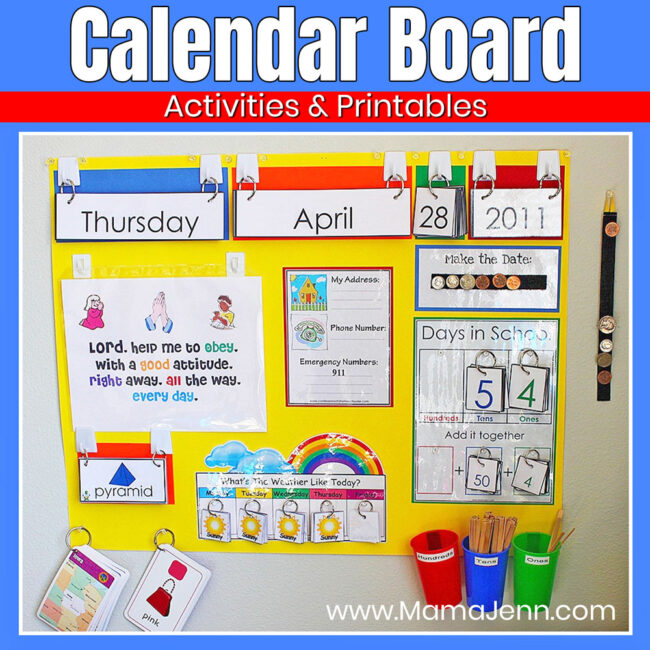
Each of the kids have their own notebook, which means that they are all doing the activities…and no one is left out of anything. We use our calendar notebooks along with our calendar time board (I got the idea for the board from the 1+1+1=1 website. To see our calendar board in action click here.) Anyhow, they complete their daily activities in their notebooks in the mornings after they do their chores (before breakfast) while I get the little boys changed and dressed. KJ is kind of in charge of helping out the big boys as needed. Once we “officially” begin our school day (after breakfast), we go over what they did in their notebook with the help of the calendar time board.

Here is our notebook, and the pages inside. I have included download links to the printables that I have made as well as links to other printables that we use for our calendar notebook.
album 2.22.10 016
Cover Page: The kids all enjoyed coloring their very own cover page. 
 
    album 2.22.10 017
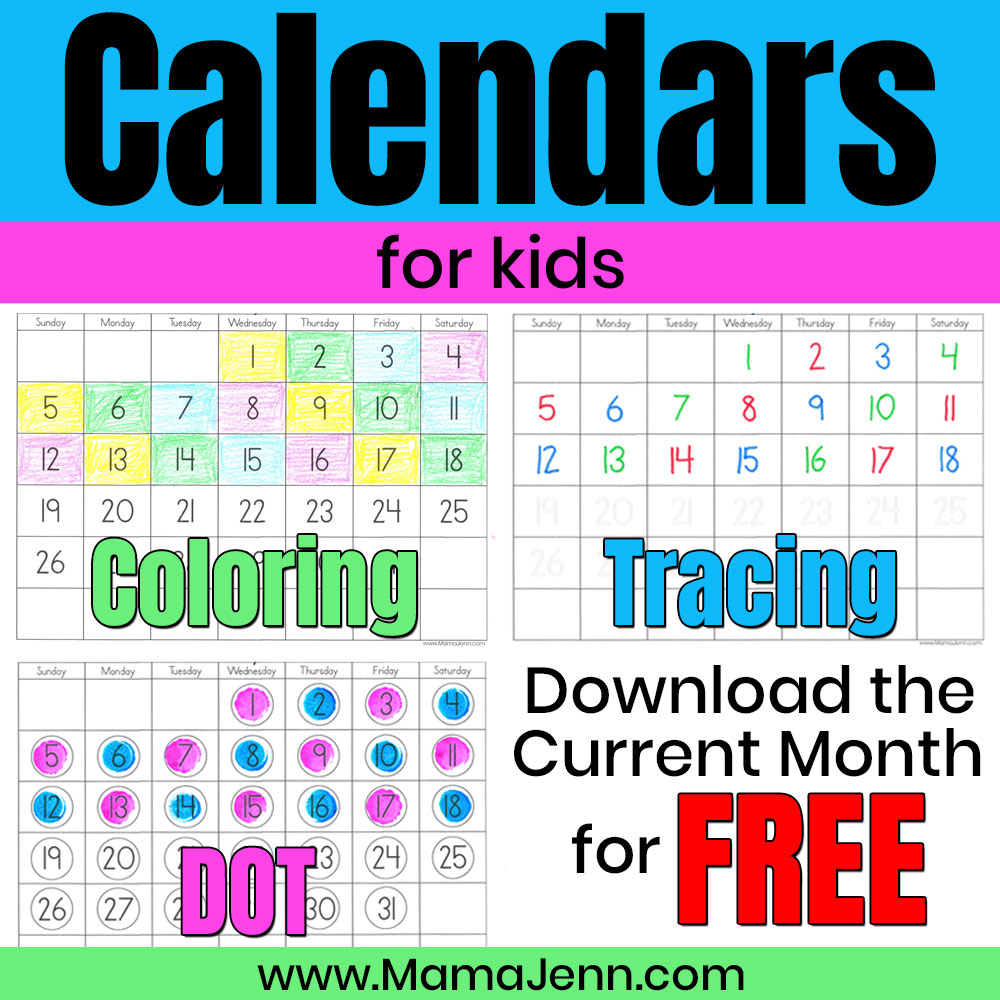
Monthly Calendar Pages: The kids write in the correct number for each day of the month. I was able to download these pages from the Meach Calendar website.

 album 2.22.10 018
Written Date Page: Right now, my daughter is the only one who does this page. I created these so that she gets daily practice with writing the date.
 
    album 2.22.10 021
Make The Date With Money: I created this page to practice counting coins. The kids have to “make the date” using the coin cards. For example, the pic above was taken on the 15th day of the month, hence the dime and nickel for 15 cents. I use a  9 pocket sports card page protector for this one. I also put a blank page behind it so that the background is solid page…rather than the next page of the notebook.
 
    album 2.22.10 022
How Many Days of School: Each day the kids write in the number of days we have been in school. For example, when this pic was taken we were having the 26th day of school for this year. I also got this page from the Meach Calendar website. (The download is a little tough to find…scroll all the way down to the bottom of the page where it says "Blank 100th Day Grids.)

 album 2.22.10 024
Hundreds Tens Ones: We use this page to work on place value. We use a  sports card page protector for this as well (with a blank page behind it). Each day they add a sticker to the ones card and put the appropriate number below. Once there are ten stickers on the card, it is moved over to the tens column. The number corresponds to the How Many Days of School page. For example, this photo was taken on our 26th day of school. There are two sets of cards with ten stickers in the tens column and one card with six stickers in the ones column.  
 
    album 2.22.10 025
Tally Marks: Each day the kids add another tally mark. This also coordinates with the How Many Days of School page.  For example, this pic was taken on our 26th day of school this year. The kids also get daily practice with counting by fives.  
 

 album 2.22.10 026
Weather Graph: Each day the kids take a peek outside and fill in the graph. I got this page from Homeschool Highway. 

UPDATE: Apparently, the weather graph (above) and birthday graph (below)are no longer available on Homeschool Highway. You can download some similar pages from the Meach Calendar Site.

album 2.22.10 027
Birthday Graph: If it is someone birthday, the kids fill in their graph. All of a sudden lots of our stuffed animals have been having birthdays!  :-) I also got this page from Homeschool Highway.

So, that wraps up our calendar notebook. As I stated, we use it in conjuction with our calender time board. If you have questions, please feel free to ask. We love this system and I plan on using it for quite awhile!!!

Jolanthe posted about her calendar time for Preschool Corner, so I decided to link up what we are doing. 


Like what you've read?
Subscribe to have it delivered directly to your inbox!


{This post may contain affiliate or advertiser links. Please review my disclosure policy.}
Share

34 comments:

  1. I use Jessica Meacham's site all the time...it's a great resource.

    ReplyDelete
  2. Wonderful ideas!! I'll put that in my idea book for next schoolyear. :)

    ReplyDelete
  3. I like your method for counting days of the school year. I don't like how we did this year, and actually ended up discontinuing it because it just wasn't working.....

    ReplyDelete
  4. We do this at our house too- It really helps enforce place value, which has proven VERY helpful for Baby Girl!

    ReplyDelete
  5. Ooo! I like the hundreds-tens-ones page. Have to think about how I could start that now.

    ReplyDelete
  6. I love the place value cards!

    ReplyDelete
  7. This is perfect. This is just what I need! I am going to do this. Thank you, Jenn! *Ü*

    ReplyDelete
  8. Hi there! I was trying to print another copy of the weather chart and the link isn't working. Do you have a copy of this that you can post or maybe another link? Any help would be great! I am terrible at making my own templates!

    ReplyDelete
  9. Jennifer G

    Apparently, the link to the Homeschool Highway blog is not working. (This is where I downloaded the Weather & Birthday printables.) I am not sure what is going on, but I know that you can download a similar weather page and a birthday page from the Meach Calendar Site. Hopefully this will help!!!

    ReplyDelete
  10. Wonderful!! Thank you SO much!

    ReplyDelete
  11. I never thought of doing it this way. Will begin to implement ASAP thanks for sharing.

    ReplyDelete
  12. I can not find the page on how many days have we been in school. Can you help please? I looked for it on the link you posted.....
    Great idea...looking forward to starting it.
    Thanks

    ReplyDelete
  13. Kelly~
    Use the link and scroll all the way down to the bottom of the page where it says "Blank 100th Day Grids." Hope that helps!!! I think I will update the blog post with that info!

    ReplyDelete
  14. Starting this in the AM...Love the set up, and think it will work out well. Thanks for sharing! I figured we can count our 100 days starting with the new year since we didnt have this when school started.

    ReplyDelete
  15. Hi Jenn,
    I really like the notebook idea because we don't have a school "room"--I usually have to move our stuff into the Living Room and do our circle time there and then as soon as we're done, clean up b/f my 18 mth gets up from his a.m. nap. Otherwise he will be into everything! Soooo...doing a notebook like this will be great b/c it's mobile and small. Love it! :)

    ReplyDelete
  16. Saw your link on WTM....I may not have room to do the Calendar Time wall but I definitely am going to do the Calendar Notebook! Thanks!! :o)

    ReplyDelete
  17. Saw your link on WTM....I may not have room to do the Calendar Time wall but I definitely am going to do the Calendar Notebook! Thanks!! :o)

    ReplyDelete
  18. Hi Jenn,
    I really like the notebook idea because we don't have a school "room"--I usually have to move our stuff into the Living Room and do our circle time there and then as soon as we're done, clean up b/f my 18 mth gets up from his a.m. nap. Otherwise he will be into everything! Soooo...doing a notebook like this will be great b/c it's mobile and small. Love it! :)

    ReplyDelete
  19. There is a birthday graph very similar to the one you have on teacherspayteachers.com you have to join which you can do for free - not all downloads are free but this one is.

    ReplyDelete
  20. There is a birthday graph very similar to yours at teacherspayteachers.com. You have to join the site but you can get a limited membership free. The birthday graph download is free.

    ReplyDelete
  21. Love that! I may have to do something like this with my kiddos.

    ReplyDelete
  22. I LOVE this idea. It is a fantastic way for all the children to be able to do everything during calendar time. I really like the page to write the date (we have not been doing anything like that and I do think it is important!) I also like the way you set up the page for the hundreds tens and ones. I will definitely be utilizing this idea. Thank you so much!

    ReplyDelete
  23. These resources are great! Thank you. I have a question for you. I see that you now use your SmartBoard to do calendar. I was doing the same thing with my Promethean Board. Do you still have the students fill out the Math Binders? If so, when? as you go along? later during centers? Also, how much time do you spend on Calendar each day? I was spending too much time on Calendar and had to back off, but I want to pick it back up in a more efficient way where everyone is engaged, not just the ones I call on. Any suggestions on Calendar implementation and procedures? One more question, do you put this binder on your supply list for the parents to get at the beginning of the year? What about the baseball card page protector? Do you just buy that pack and give every student one? Thank you so much for your help. I look forward to hearing from you soon :)

    ReplyDelete
  24. Hi Karyn,

    Perhaps you may have misunderstood me or maybe you are confusing me with someone else, but I don't use (don't have) a Smart Board. I am a homeschool mama with a "class" of only 5 students! ;-)

    ReplyDelete
  25. I am having a hard time downloading the pages you have on 4 shared. how do I get these? (the ones, tens, and hundreds page, and the money page for example)

    ReplyDelete
  26. I am so sorry you are having difficulties!

    When you get to the 4shared site, you want to click on the blue download button. When I tried it, an ad popped up before I was able to click it. So, I had to close the ad and then click the blue download button. Wait for the countdown to download and once it hits zero, click the Download File Now link that is located just above the countdown. Then you should be able to save or open the file.

    I am in the process of trying to move all of my files off for 4shared. In the meantime, if the above info doesn't work for you, you may be able to find a few of the pages you are looking for here: http://www.mamajenn.com/MamaJenn/CalendarTime.html

    I will announce it on the blog once I am able to get all of the files switched over...and I will post a comment here as well!

    ReplyDelete
  27. Thank you so much for the downloadable printables! My kids are going to love their own calendar notebook.

    ReplyDelete
  28. Hey Mama Jenn, I love your blog. My twins are not homeschooled...yet...but I am always looking for cool stuff to print out for either now or future use. Thanks for sharing..

    ReplyDelete
  29. Thank you for sharing! I am still a newbie homeschooling mom. I started after Christmas break last school year...and have decided to keep going thanks to Mom's like you! :-)

    ReplyDelete
  30. First of all, thank you for all that you do! Your ideas and resources are amazing! My question is: Did you have the opportunity to upload the new files? I am having trouble downloading them from the 4shared site. It keeps trying to install exe files which I am hesitant to do because the last thing I need is to get a virus on my computer! lol Thank you, again! ~~Beverley

    ReplyDelete

Related Posts Plugin for WordPress, Blogger...